




What is Time Clocker?
Time Clocker is a free daily history game where you guess the year of an event before a 20-second clock runs out. Read the clue, move the year wheel and lock in your estimate. The closer you get to the correct year, the more points you earn.
You do not need an exact date to earn points. Recognizing the century or decade gives you somewhere to start, then the reveal shows how far your guess was from the answer. This PlayChainle edition has five events per run, with up to 100 points for each event and 500 overall.
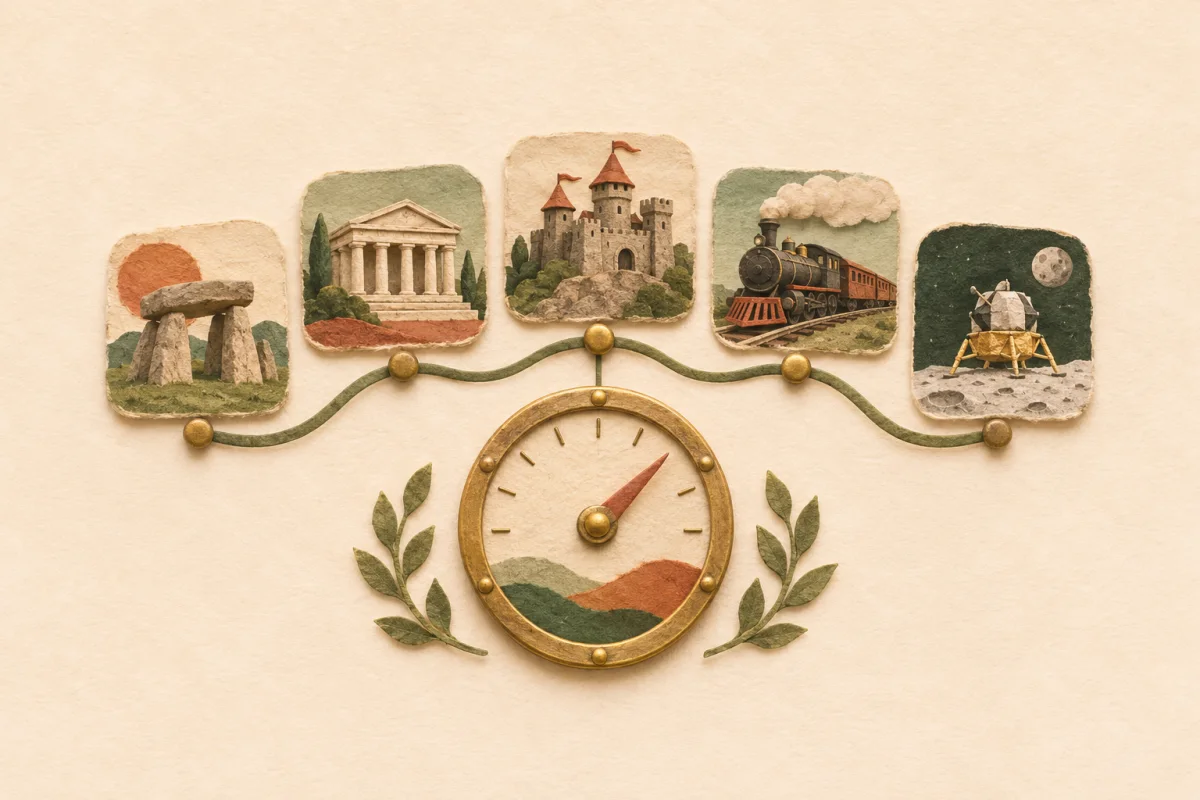
This is PlayChainle's independent edition, with its own event selection, scoring and daily records. The rules below describe this version. Play in a browser on your phone or computer without creating an account or installing an app.
How to play Time Clocker
Read the event before moving the wheel
The clock starts when the event opens. Decide which era the clue belongs to, then narrow it to a century or decade. You are choosing a year, not a month or day.
Set your estimate
Drag the slider or swipe it on a touch screen. The large number shows the year you will submit. With the slider focused, use the arrow keys for one-year adjustments. The available range is 1 CE to 2026 CE.
Lock in before the clock reaches zero
Choose Lock in to commit your answer. If time expires, the current selection is submitted automatically. There is no second attempt at that event.
Review, then open the next mission
The reveal compares your year with the true year and awards up to 100 points. Take as long as you need on this screen. Complete five events to see your final score and copy a result.
How does Time Clocker scoring work?
Each event scores by the absolute gap between your guess and the answer. The same gap earns the same points whether your guess is too early or too late. All five scores add together, with a maximum of 500; a miss does not subtract points from earlier rounds.
The formula is round(100 × exp(−year gap ÷ 75)). These examples use the game's scoring function:
| Year gap | Points per event |
|---|---|
| Exact year | 100 / 100 |
| 5 years | 94 / 100 |
| 10 years | 88 / 100 |
| 25 years | 72 / 100 |
| 50 years | 51 / 100 |
| 100 years | 26 / 100 |
A year-guessing example
Suppose an event's answer is 1900. Choosing 1890 or 1910 gives a ten-year gap and earns 88 points. Choosing 1925 gives a 25-year gap and earns 72. This is a hypothetical example, not a clue to today's board.
The scoring curve uses years, not percentage error or an event's age. A 50-year miss on an ancient event and a 50-year miss on a modern event both earn 51 points in this edition.
Daily challenge or unlimited practice?
Daily: the same five events for everyone
A scheduled board opens at midnight UTC. Your choices are final for that date, and only completed daily runs enter the Time Clocker leaderboard. Finishing all five events counts toward the completion streak, even with a low score. Daily records are separate from the other PlayChainle games.
Unlimited: another set without changing your daily score
Unlimited practice gives you a separate five-event run. After finishing, choose New practice for another set. The latest practice run saves on this device only; starting a new one replaces that practice save. Events can repeat in practice and across daily boards.
The active clock does not pause when you leave the page. When browser storage is available, refreshing restores the selected year and original deadline rather than resetting the round to 20 seconds.
How to make a closer year estimate
Choose the era first
If you cannot recall the date, place the event before or after another event you know. A rough century is a useful first estimate; refine it as you recognize the people, invention or conflict named in the clue.
Use the last seconds for a small adjustment
Move the slider close to your estimate first, then use arrow keys for a precise year on a keyboard. Check the large year readout before locking in. You do not earn extra points for submitting faster, so use the available time if you need it.
Read the reveal before continuing
The answer screen is untimed. Compare the actual year with your estimate and note whether you were a decade or a century away. One poor answer does not end the run or erase the points you have already earned.
What historical events are in the game?
The event bank includes political milestones, scientific discoveries, exploration, cultural events and technology launches. Clues ask about a named milestone, such as a launch, opening or declaration, rather than an entire historical period.
All answers in this edition use CE years. There are no BCE questions, photo-identification rounds or map guesses. The introduction illustration explains the theme; individual questions use text clues. The bank is finite, so a fresh daily combination does not guarantee five events you have never seen before.
For other estimation puzzles, try Angle Game's angle estimation or Heightle's object-size challenge. Prefer comparing numbered facts without a timer? Play Peakle's trivia climb. The daily games collection shows the rest of the lineup.
Time Clocker FAQ
- Is Time Clocker free, and do I need an account?
- Yes. This PlayChainle edition is free to play in a browser without an account or download. You can use the year slider on a phone or computer; keyboard arrow keys also adjust the selected year.
- Is this the original Time Clocker?
- This is PlayChainle's independent edition, with its own event bank, scoring and records. A run here has five events, each with a 20-second timer. Answers and scores from another edition may not match.
- What happens when the 20 seconds run out?
- The game submits the year currently selected on the wheel, even if you have not moved it. You then see the correct year, the gap and your points. The review screen has no timer; the next clock starts when you open the next mission.
- Does refreshing or closing the page pause the timer?
- No. When browser storage is available, the game saves the current event, selected year and deadline. Returning before the deadline resumes the remaining time. Returning after it submits your saved selection as a timed-out answer; it does not give you another 20 seconds.
- Can I undo an answer or replay the daily challenge?
- A submitted answer is final. Your daily run keeps its five choices and cannot be restarted for a better leaderboard score. After finishing, use Unlimited to start another practice set without changing the daily result.
- When does the daily game reset?
- A scheduled daily board opens at 00:00 UTC, and everyone receives the same five events for that date. If no board is scheduled, the page says so and offers Unlimited practice. The date displayed above the game identifies your daily board.
- Will my score and streak save?
- Daily progress saves in this browser when storage is available and syncs to an anonymous PlayChainle record when the online service is reachable. Complete all five events to qualify for the daily leaderboard and completion streak. A pending local save is not a confirmed online record. Keep the same browser; cross-device recovery is not provided.
- Can I share a result without revealing the answers?
- After the run, Share result copies your total and colored accuracy marks without the event answers. Practice is labeled separately. Clipboard access must be available in your browser for copying to work.
Return to the year wheel when you are ready to play.